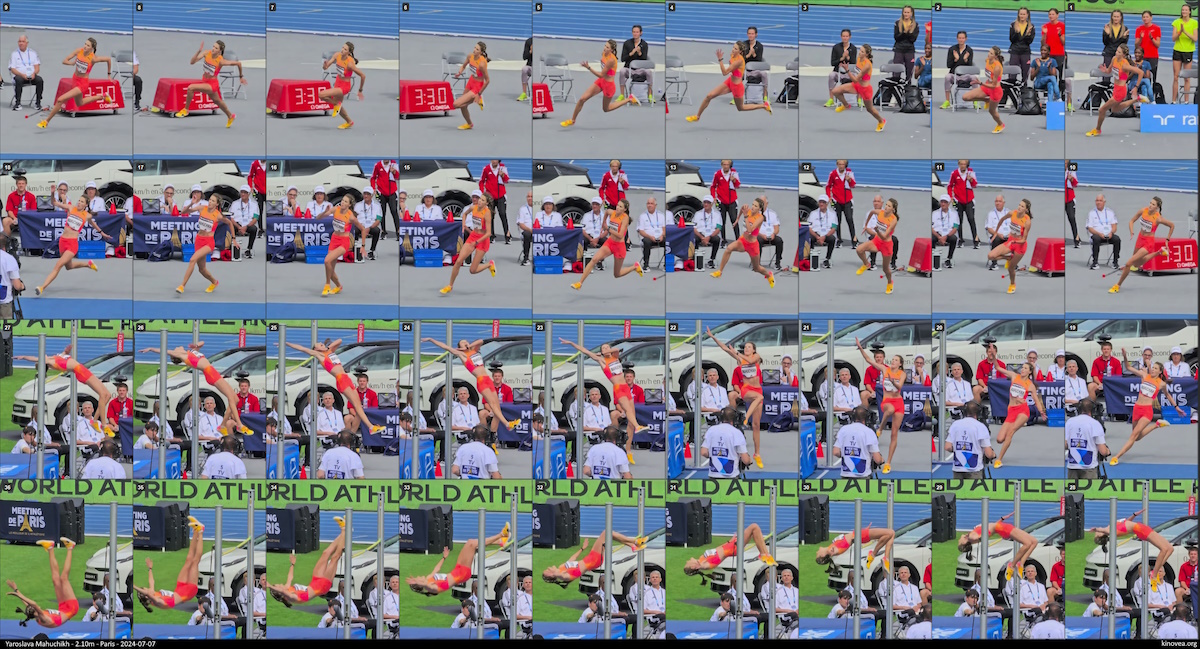
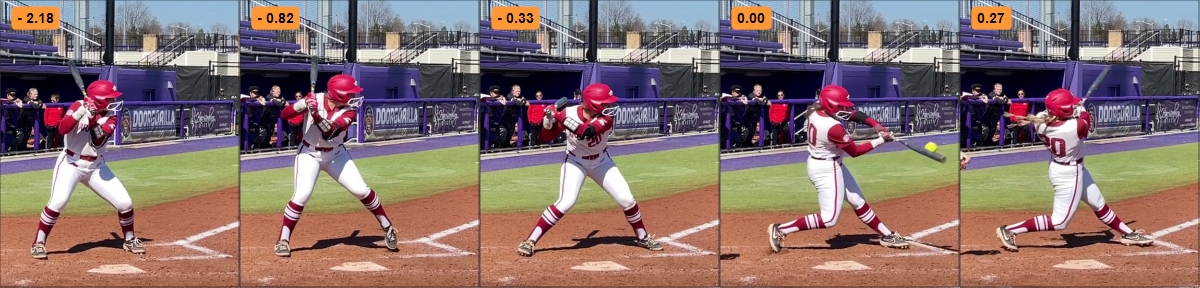
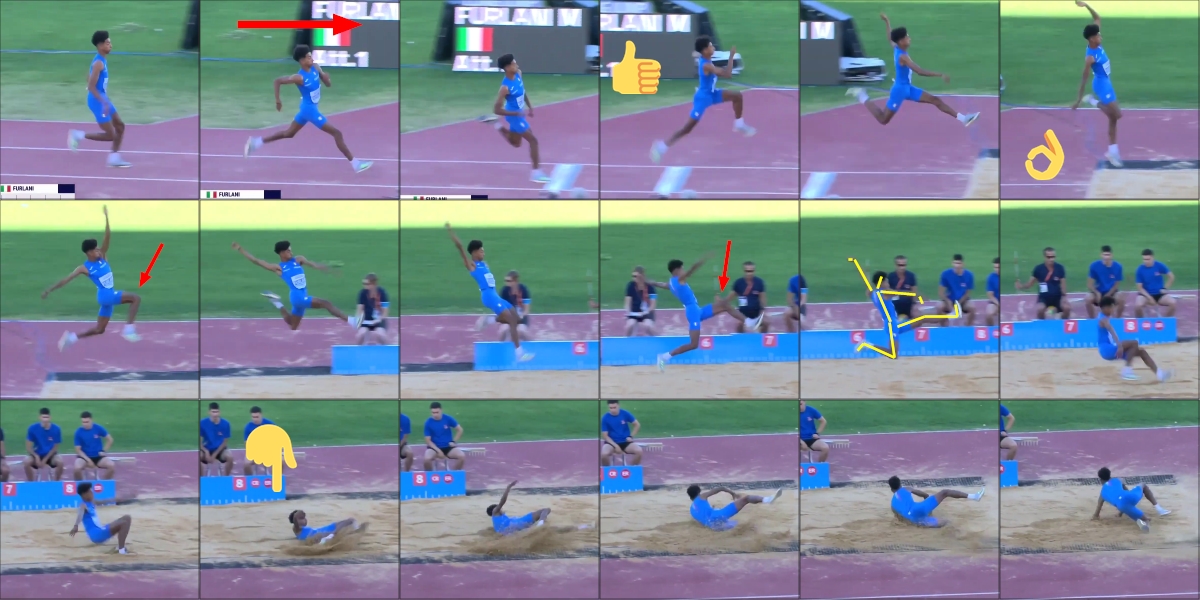
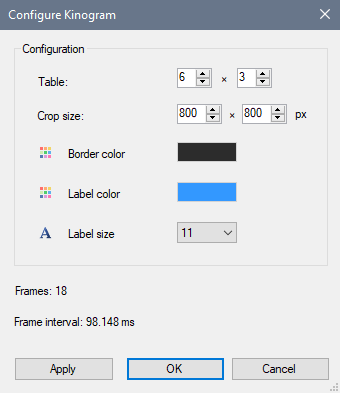
This is the documentation draft for the page "Measuring repetitions and cadence" of the manual.
The first post contains the documentation that will be synchronized with the manual and you can post comments to add feedback or discuss points that are unclear.
-----------------------
Introduction
To count the repetitions of a cyclic activity use the Counter tool.

This tool lets us annotate cyclic activities: running strides, weight lifting repetitions, rotations in acrobatic sports, swimming strokes, etc.
Counting
Having added a counter to the video mark one repetition by using the menu Action > Add beat, or the shortcut key F7.
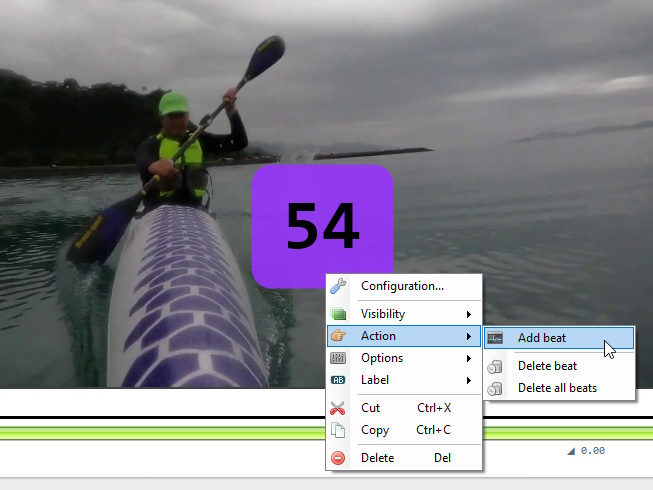
A typical procedure to annotate a cyclic sport is to reduce the playback speed and use the shortcut key to mark the cycles on the fly while the video is playing.
Displayed metric
The following metrics are available via the Label menu.
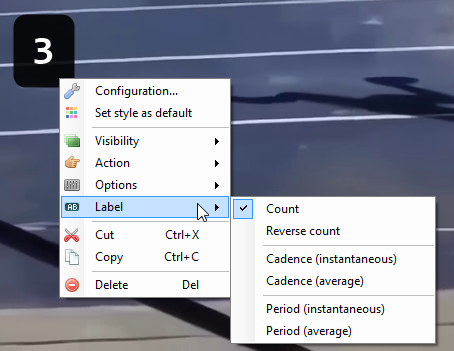
- Count: the current count. This can be configured to start at zero or one in the Options.
- Reverse count: this can be interesting to recount steps before an event, for example steps before take off in jumps.
- Cadence (instantaneous): the instantaneous frequency of the current cycle. That is, the reciprocal of the duration of the cycle (when the playback cursor is between two beats).
- Cadence (average): the number of full cycles divided by the time between the first and last beat.
- Period (instantaneous): the duration of the current cycle.
- Period (average): the average duration of full cycles between the first and last beat.
Accuracy of metrics
Note that the accuracy of the the "Period (instantaneous)" and "Cadence (instantaneous)" metrics is greatly affected by the frame rate of the video. The random error is up to half a frame interval on each side of the cycle.
On the other hand, if only the average cadence over a long period is required, it is not necessary to be frame-perfect on the intermediate cycles since only the total number of cycles over the period will be used for the calculation.
Cadence units
Each sport tend to count things differently. Cycling will typically count one for a full pedal revolution and measure that in revolutions per minute, while sprinting will count one for each step and measure it in steps per second.
By default the cadence unit is the Hertz (number of cycles per second) which is the most generic unit possible for frequency.
To set the displayed unit to something more appropriate for your application go the main menu Options > Preferences > Drawings > Units > Cadence.
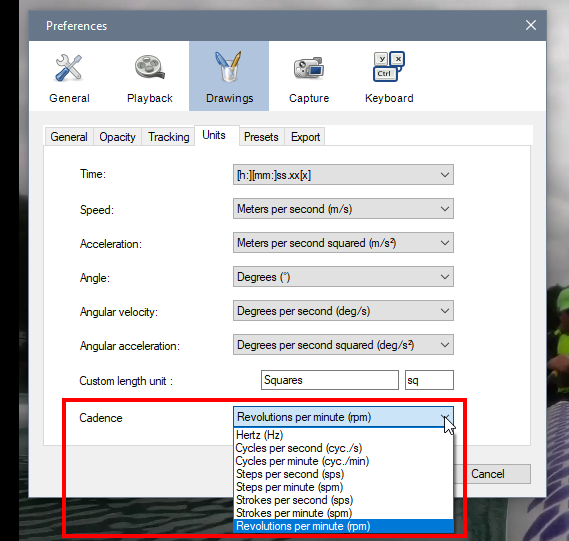
The following units are available:
- Hertz (Hz) - default unit.
- Cycles per second
- Cycles per minute
- Steps per second
- Steps per minute
- Strokes per second
- Strokes per minute
- Revolutions per minute
Note that Kinovea doesn't know if you are marking full cycles or half cycles, so you need to add beats in accordance to what you want to measure.
Tip
If the video is in slow motion don't forget to calibrate the time axis. See Measuring time.
Display options
The following toggles are available
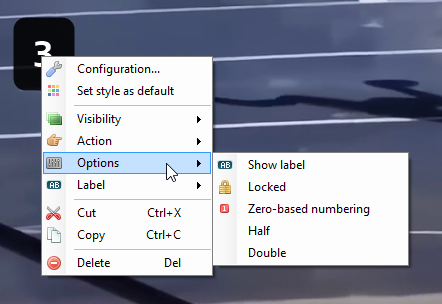
- Show label: this will show the name of counter object as an extra label above the value.
- Locked: when this is enabled this counter object will not listen to the F7 shortcut key.
- Zero-based numbering: if this is enabled the first beat displays a value of zero, and displays one only at the end of the first full cycle. This does not affect calculations.
- Half: when this is enabled the counter object will halve its value compared to the number of cycles that were annotated.
- Double: when this is enabled the counter object will double its value compared to the number of cycles that were annotated.
Locking the counter is important if you want to count several processes on the same video using the live annotation approach. Run through the video once for a counter, lock it, then run through the video again for another counter, lock it, and continue this way, with always having only one counter listening to the shortcut.
Using half or double can be useful when the metric of interest is for example single strokes but it is easier to count full cycles on the video footage. For example in swimming, counting one when the same arm goes into the water.